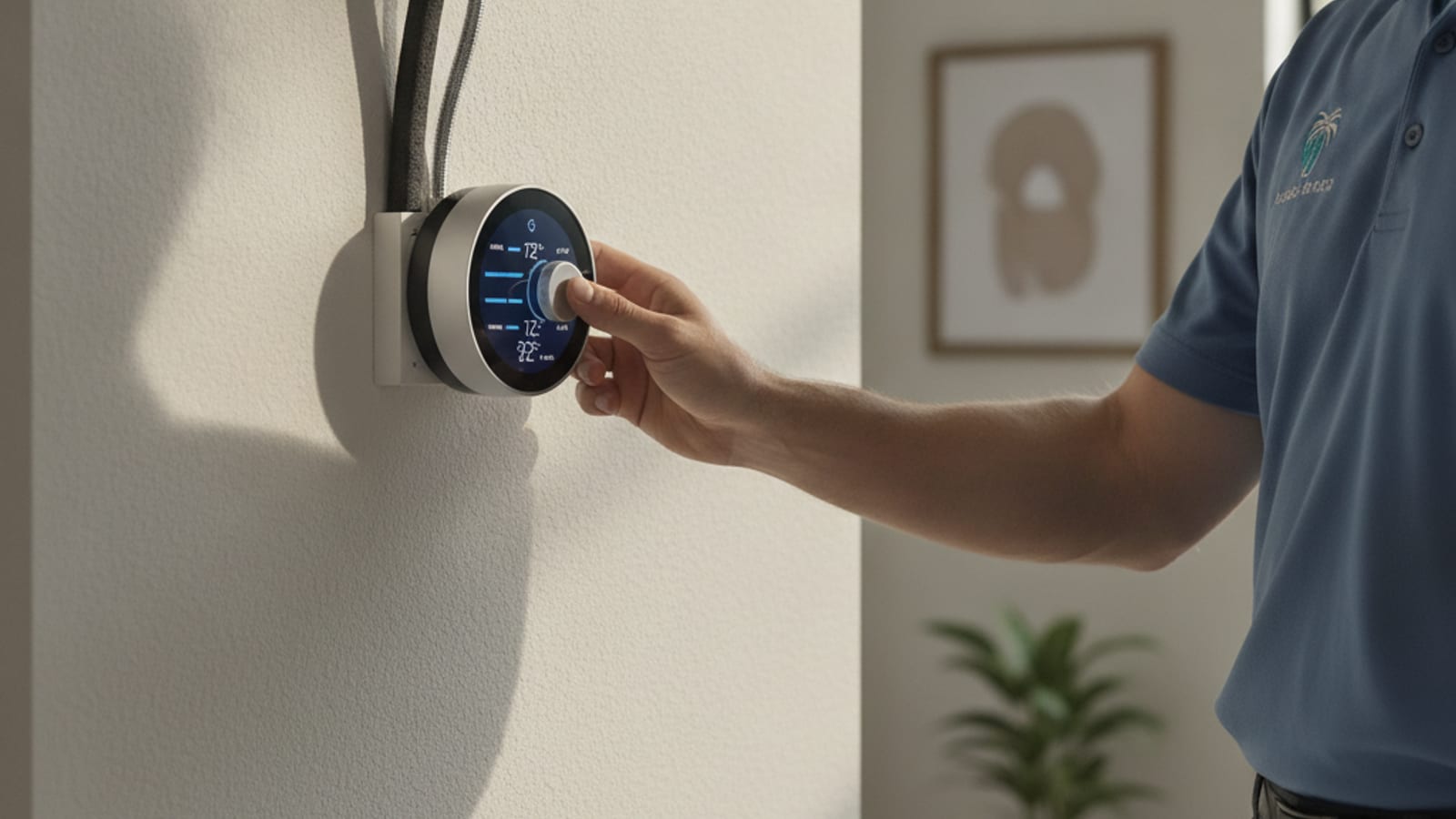
Smart thermostat marketing is written mostly for people who heat their homes half the year and cool them the other half. Tampa Bay doesn’t work that way. AC runs from March through November for most households, with only a handful of genuinely cool weeks where heating even comes into play. That shifts which smart thermostat features actually save money here versus which ones are built for a climate we don’t have.
Why the standard pitch doesn’t quite fit Tampa
Most smart thermostat marketing leads with heating savings: learning your schedule, lowering the temperature while you sleep, geofencing so the system eases off when nobody’s home. All of that still applies to cooling, but the dynamics are different. Heating savings come from letting a house get colder when unoccupied, since less heating means less energy used. Cooling savings come from letting a house get warmer when unoccupied, which works the same way in principle, but Tampa’s humidity adds a wrinkle heating-climate marketing doesn’t address at all: let the house get too warm and humid while you’re out, and you’re not just spending more energy to re-cool it, you’re inviting the exact humidity and mold conditions this climate is already prone to.
What actually saves money here
Humidity-aware cooling control
Some smart thermostats can factor indoor humidity into when they run the system, not just temperature. In a climate where humidity control matters as much as temperature control, this is arguably the single most useful smart feature for a Tampa Bay home, since it can prevent the “cold but clammy” problem that happens when a system satisfies the temperature setpoint before it’s pulled enough moisture out of the air.
Geofencing instead of aggressive setbacks
Rather than swinging the temperature widely while you’re away, which risks letting humidity climb too high indoors during a Tampa summer, geofencing lets the thermostat ease back modestly when your phone shows you’re away and ramp back up before you’re home, avoiding both the energy waste of cooling an empty house at full comfort settings and the humidity risk of shutting the system off completely.
Usage reports that flag short-cycling
Several smart thermostat brands show run-time data that can reveal a system cycling on and off more frequently than it should, often a sign of an oversized unit or a refrigerant issue. In a climate where the AC runs nearly year-round, catching this early through usage data can mean the difference between a $200 repair caught in June and a $6,000 compressor failure in August.
Filter change reminders tied to actual runtime
Because Tampa AC systems run so many more hours per year than systems in milder climates, calendar-based filter reminders, “change every 90 days,” often don’t match actual usage. A smart thermostat that tracks runtime hours and prompts a filter change based on actual system use is more accurate here than it would be in a climate where the system only runs half the year.
What’s mostly marketing in this climate
Not every smart feature pulls its weight in Tampa. A few worth being honest about:
- Heating optimization features: most Tampa Bay homes use a heat pump for the rare cold snaps, and the handful of heating days per year means sophisticated heating-schedule learning saves very little compared to the cooling side
- Multi-room sensors for a single-zone system: these can help balance comfort, but they don’t create the energy savings some marketing implies unless paired with a zoned system or a mini split setup
- Voice assistant integration: genuinely convenient, but it’s a lifestyle feature, not a savings feature, and shouldn’t be the deciding factor in which model to buy
Realistic savings numbers
Industry data generally puts smart thermostat savings in the 10-15% range on cooling costs for households that were previously using a manual or basic programmable thermostat inconsistently. In Tampa Bay, where cooling makes up the large majority of a home’s annual energy bill rather than being split with heating, that percentage applies to a bigger base cost than it would in a mixed climate, which means the dollar savings tend to be more noticeable here than the marketing numbers alone suggest. A household spending $250-$350 a month on cooling in peak summer might reasonably expect $25-$50 a month back once the thermostat is dialed in correctly, though actual results depend heavily on how the house was being managed before.
What to check before buying
Not every smart thermostat is compatible with every system, and this matters more with heat pumps, the dominant setup in Tampa Bay, than with simpler furnace-only systems common up north. Confirm:
- Compatibility with your specific heat pump setup, including auxiliary or emergency heat wiring if your system has it
- Whether the thermostat supports a C-wire, or whether an adapter will be needed during install
- Humidity sensing capability, which not every “smart” model actually includes despite the name
Installation
A thermostat installation is a relatively quick job, usually under an hour for a straightforward swap, but heat pump wiring can trip up a DIY install if the existing thermostat doesn’t have a labeled wiring diagram or if the home’s wiring doesn’t match a newer thermostat’s expected configuration. It’s a reasonable one to pair with a broader hvac maintenance visit, since a technician can confirm your system is actually running efficiently before assuming the thermostat alone will fix a high energy bill.
How heat pump setups change what “smart” needs to mean
Because the large majority of Tampa Bay homes cool and heat through the same heat pump system rather than a separate furnace, a smart thermostat here needs to manage the transition between normal heat pump operation and auxiliary or emergency heat correctly, something that matters far less in a climate where heating comes from a gas furnace. A thermostat that isn’t configured correctly for a heat pump can trigger auxiliary heat strips unnecessarily during the rare cold mornings Tampa gets, which drives a real spike in electricity use since aux heat is considerably less efficient than the heat pump’s normal compressor-driven heating. This is a common, avoidable mistake during DIY installs, and it’s one more reason a professional install pays for itself here even on a job that looks simple on paper.
Data privacy and connectivity considerations
Smart thermostats depend on a home Wi-Fi connection and, for most brands, a cloud account to enable remote control and learning features. During hurricane season, when Tampa Bay households sometimes lose power or internet for days, it’s worth understanding how your specific thermostat behaves without connectivity. Most models fall back to basic on-device scheduling when offline, but remote monitoring and phone-based control stop working until connectivity is restored. This isn’t a reason to avoid a smart thermostat, but it’s worth factoring into storm preparation, especially for anyone relying on remote monitoring to check on a vacation property or a rental unit from off-site.
Do smart thermostats work well with older heat pump systems?
Most current smart thermostats are compatible with heat pumps built in the last 15-20 years, but older systems sometimes use wiring configurations or auxiliary heat setups that need an adapter or a more careful installation to avoid triggering aux heat unnecessarily. It’s worth confirming compatibility with your specific system’s age and wiring before buying rather than assuming universal compatibility.
Is a smart thermostat worth it for a rental property?
Often yes, particularly for short-term rentals where geofencing and remote scheduling let an owner or property manager adjust cooling between guest stays without a site visit, which can meaningfully cut energy costs on units that would otherwise run at full comfort settings around the clock.
How much does professional installation typically add to the cost?
Professional installation for a straightforward heat pump-compatible thermostat generally runs $100-$250 on top of the equipment cost, less if it’s bundled with a broader maintenance visit. Given how much aux heat mismanagement can cost over a year if the wiring isn’t configured correctly, professional installation is usually worth the modest add-on for heat pump systems specifically.
The bottom line for Tampa Bay homeowners
A smart thermostat is worth it here, but the features that matter most are humidity awareness, sensible geofencing, and runtime-based maintenance alerts, not the heating-focused features most marketing leads with. Buy for the climate you actually live in, not the one the box was designed to sell in.
Call (813) 000-0000 and we’ll connect you with a local pro who can confirm compatibility with your system and get it installed correctly the first time.